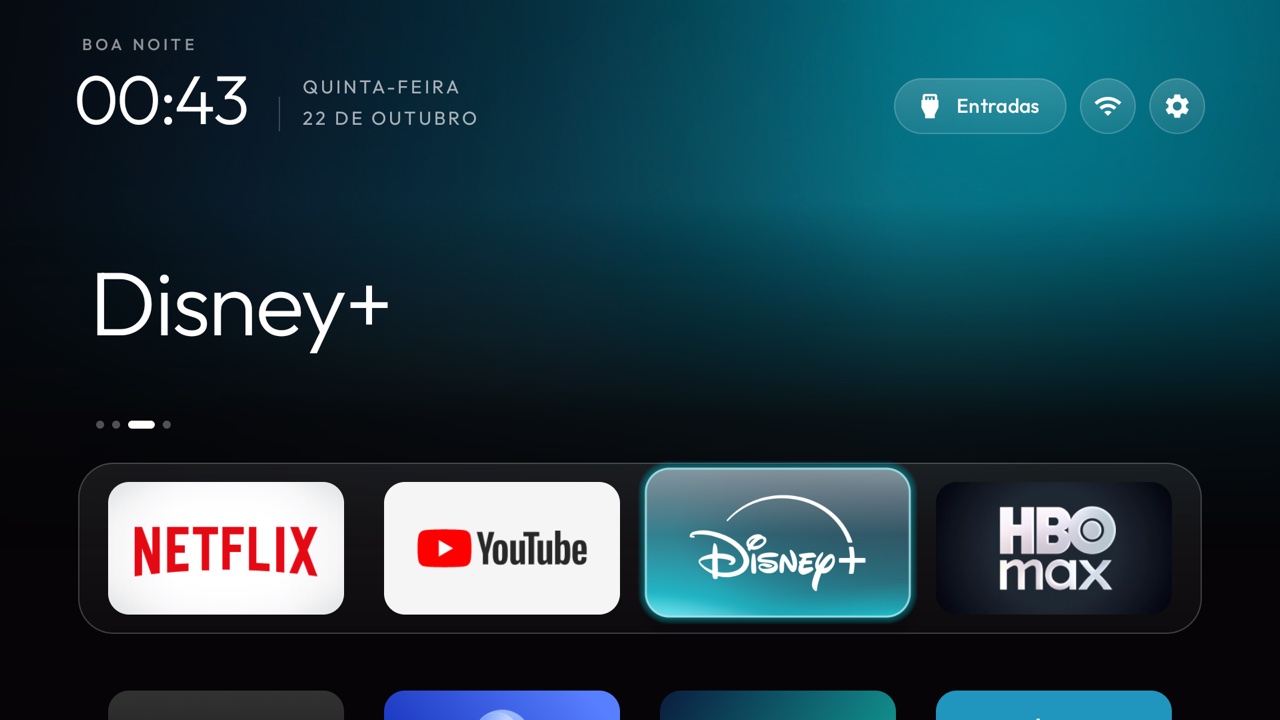
A new Home screen and package cleanup are different scopes
Changing the screen you see after pressing Home can address a cluttered layout. A package cleanup reaches beyond that screen: it changes which selected components are enabled. That introduces different checks and recovery needs.
Neither scope by itself proves that a particular TV will become faster, use less energy or stop every form of data collection. Those claims need evidence from the actual device and change list.
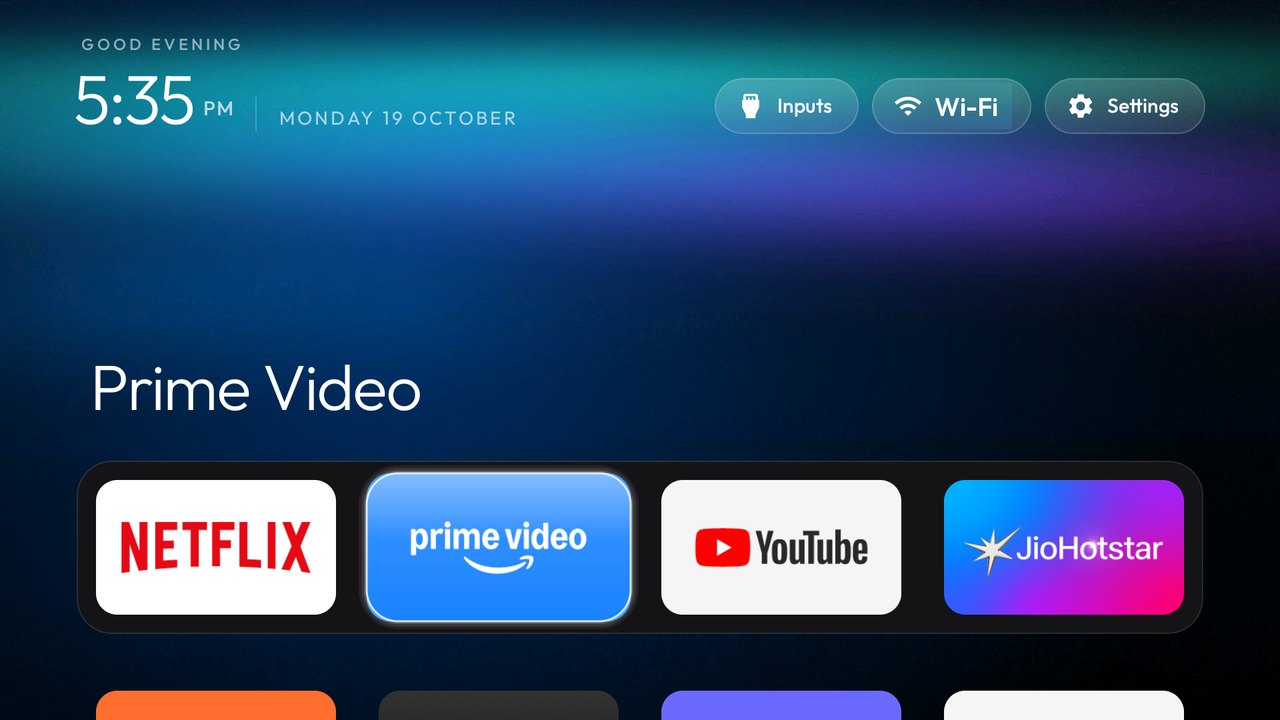
Compare products using current features, not slogans
Projectivy’s official description includes layout customisation, shortcuts and input options. It also documents additional capabilities on certain devices, including stock-app management. Describing it as “only a launcher” in every situation would be misleading.
CleanYourTV’s reviewed workflow documents backups, selected package changes and its own launcher. Check both projects’ original documentation for your device. We have not run a side-by-side hardware benchmark.
Ask four questions before choosing
- Do I mainly want a different Home layout, or do I want to review specific preinstalled packages?
- Does the documented route cover my exact system and regional firmware?
- Which features must stay available: casting, voice, HDMI, Live TV or remote shortcuts?
- Can I identify and use the recovery method for the changes I am making?
These questions produce a more useful choice than a single “best launcher” label.
Preview appearance before making system changes
The CleanYourTV theme builder lets you try a visual configuration and download its JSON. It is a simulation, not the Android launcher running in a browser. It exports visual settings and does not create a package-disable list.
You can use that preview to decide whether the proposed layout is attractive enough to investigate further. It does not establish that your TV is compatible or that installation will succeed.
Match the installation path and keep the evidence
Use the model lookup for community records and the setup assistant for phone-versus-computer guidance. Review the specific source record rather than applying a package list from a similar-looking television.
Keep the original project links, the version you used and your own backup. If you only wanted a visual change, review the steps that affect packages or the original Home component before accepting them.
Common follow-up questions.
Is installing a launcher the same as debloating Android TV?+
No. A Home-screen replacement and a package-disable workflow are different changes. Some products offer additional device-specific capabilities, so read their current documentation.
Is CleanYourTV better than Projectivy for every TV?+
No universal winner is established here. Compare the exact device, desired features, installation route and recovery requirements. This site has not performed a comparative hardware test.
Can I try the CleanYourTV layout before installing it?+
You can use this site’s simulated theme builder to explore visual settings. It does not run the TV APK or prove device compatibility.